
If you’re reading this, chances are Shopify has started to feel more like a constraint than a growth engine. Maybe app fees have piled up, maybe the template you chose years ago no longer reflects your brand, or maybe you simply want more control over content and design than Shopify’s storefront model comfortably allows.
Whatever the trigger, the question is the same: “If not Shopify, then what?”
The good news is that there are real alternatives. The challenge is that they’re not all built for the same type of business. Replacing Shopify with “any other platform” is easy; replacing it with a platform that actually fits your goals and workflow is where the real work lies.
In this article, we’ll walk through the top Shopify replacement options, what they’re good at, and the situations where each one makes more sense than sticking with Shopify.
Why Store Owners Look for a Shopify Replacement
Most merchants don’t abandon Shopify overnight. It usually starts with a handful of small frictions that gradually turn into strategic issues.
You may feel that your monthly costs are creeping up as you add more apps and features. You might be frustrated by how far you can really push design without hiring a developer. You may want deeper control over content, URLs, and SEO than a hosted commerce platform is comfortable giving. Or you might simply want a more visual, all-round site builder where content, brand, and store feel equally important.
None of these are signs that Shopify is “bad.” They’re signs that your needs have evolved beyond what a store-first platform was originally solving for.
Once you recognize that, it becomes easier to evaluate where to go next.
Comprehensive Shopify Review: Main Benefits, Drawbacks and Core Functionality
Wix: Hosted, Visual Builder with a Capable Store
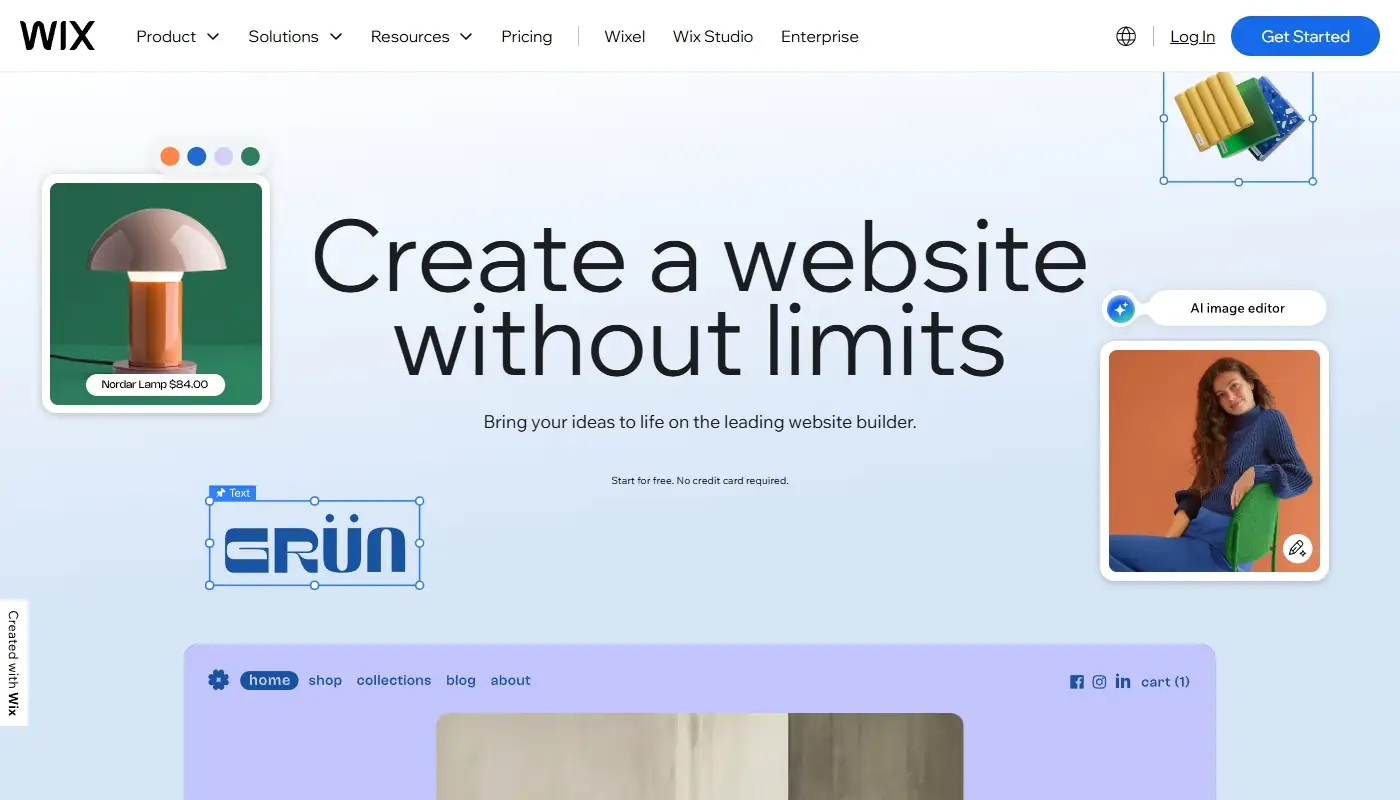
For many merchants, the most natural replacement for Shopify is a platform that still handles hosting but shifts the center of gravity from “store admin” to visual website builder. That’s where Wix comes in.
Wix aims to be an all-in-one place where you design pages, publish content, and run a store in the same visual environment. You work directly on the page, dragging sections and elements into place and tweaking layout, spacing, backgrounds, and typography until your site looks the way you want. Instead of feeling like you’re editing a storefront template, you feel like you’re designing a website-with eCommerce as a strong, integrated feature.
For many small to mid-sized stores, Wix’s native eCommerce tools are more than enough. You can manage products and variants, track inventory, configure shipping and tax rules, and run a standard cart and checkout. Add to that a large template library, strong tools for pages and blogging, and a broad app market for bookings, forms, and marketing, and Wix starts to look less like a “lite” alternative and more like a different philosophy: website first, store as part of the story.
Wix is especially appealing if your brand relies on content, services, and visual storytelling at least as much as it relies on a catalog. If you want your site to feel like a living brand hub with pages, blog, and store all in harmony-rather than a store with some pages bolted on-this type of platform is a strong Shopify replacement.
Comprehensive Wix Review: Full Overview of Its Features and Advantages
WooCommerce (WordPress): Open-Source Flexibility and Content Power
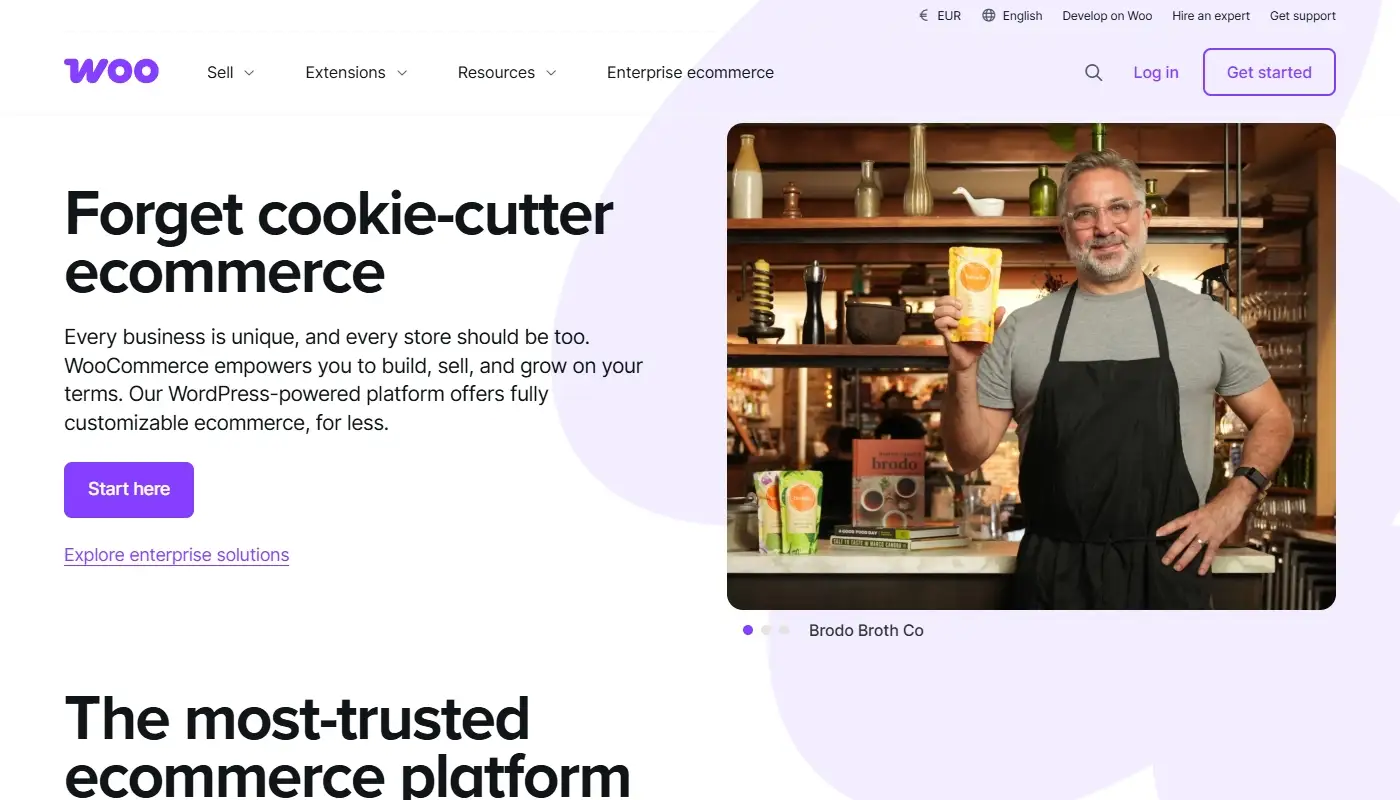
If your main frustration with Shopify is around control and ownership, the obvious next stop is self-hosted WordPress with WooCommerce.
Here the model is entirely different. WordPress gives you a full-blown content management system where you control pages, posts, taxonomies, URL structure, and SEO at a deep level. WooCommerce then turns that CMS into a fully featured store, with products, carts, checkout, shipping, taxes, and a vast plugin ecosystem around it.
Instead of renting a store in someone else’s mall, you’re effectively setting up your own shop building on open-source land. You choose your hosting provider, decide how to configure performance and caching, pick your theme, and assemble the plugins that match your exact needs. That’s more responsibility, but also much more independence.
WooCommerce is a strong Shopify replacement if you are serious about content-driven SEO, custom workflows, and long-term portability. It’s not the right choice if you never want to think about hosting or updates, but if you’re comfortable with (or can delegate) some technical management, it gives you a level of flexibility that closed, hosted commerce platforms simply can’t match.
Squarespace: Design-Led Alternative for Brand-First Sites

If you’re leaving Shopify because your site feels too “store template” and not enough like a refined brand experience, Squarespace often lands on the shortlist.
Squarespace is a hosted platform with a strong design philosophy. Its templates are carefully curated, with excellent typography, balanced spacing, and layouts that work well for portfolios, studios, agencies, and creative brands. You can still run a store-Squarespace supports products, carts, payments, and basic catalog management-but the platform clearly treats visual storytelling and content as first-class citizens.
Compared to Shopify, Squarespace tends to feel calmer and more cohesive. You make fewer micro-decisions about structure and more high-level decisions about how your brand should look and speak. The trade-off is that you don’t get the same depth in dedicated commerce features, multi-channel selling, or specialized apps.
Squarespace is a good Shopify replacement if your store exists in the context of services, content, and brand, and if you value a polished, opinionated design system more than extensive commerce tooling. For example, a studio that sells a small number of products alongside consulting, or a creator who sells a few physical or digital goods as part of a broader content strategy, will often feel very at home there.
BigCommerce: Commerce-Focused Alternative with a Different Model
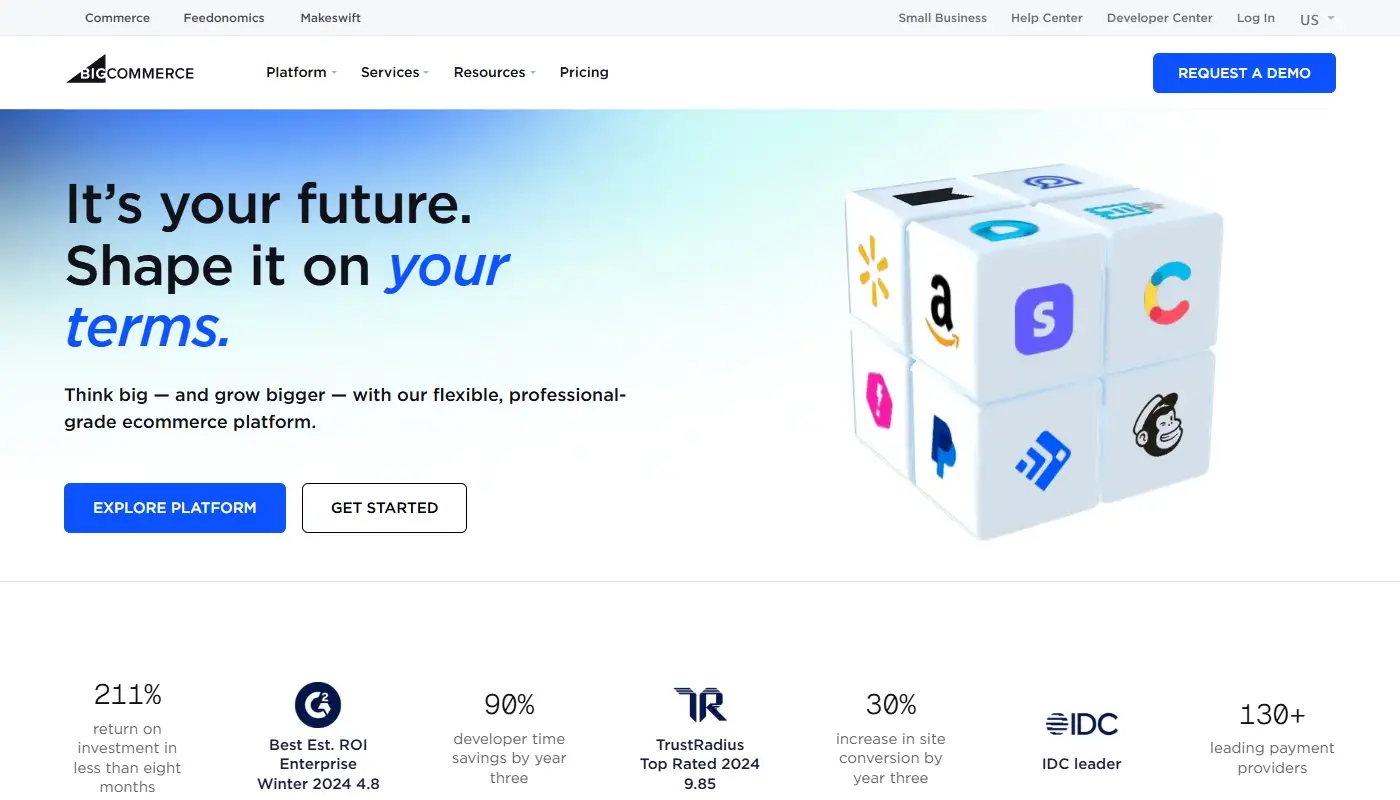
Sometimes the issue with Shopify isn’t that it’s store-first-it’s that you want that same level of commerce focus, but with different pricing, integrations, or technical assumptions. That’s where BigCommerce comes in.
BigCommerce is another hosted eCommerce platform built specifically for online retailers. Like Shopify, it gives you a structured admin for products, orders, customers, and analytics, along with a theme system for your storefront and an app marketplace to extend functionality. It’s particularly attractive for merchants who want strong B2B features, complex catalogs, or multi-channel selling without relying as heavily on third-party apps.
The experience still feels like running a store in a specialized environment rather than designing a general-purpose website, but the details-how pricing scales, which native features are included, and how integrations are handled-are different enough that some merchants find BigCommerce a better organizational fit.
BigCommerce is a realistic replacement if you still want a commerce-centric platform but feel that Shopify’s specific combination of fees, app dependencies, and workflows no longer matches how you run your business.
Webflow: Visual Front-End Control for Design-Savvy Teams
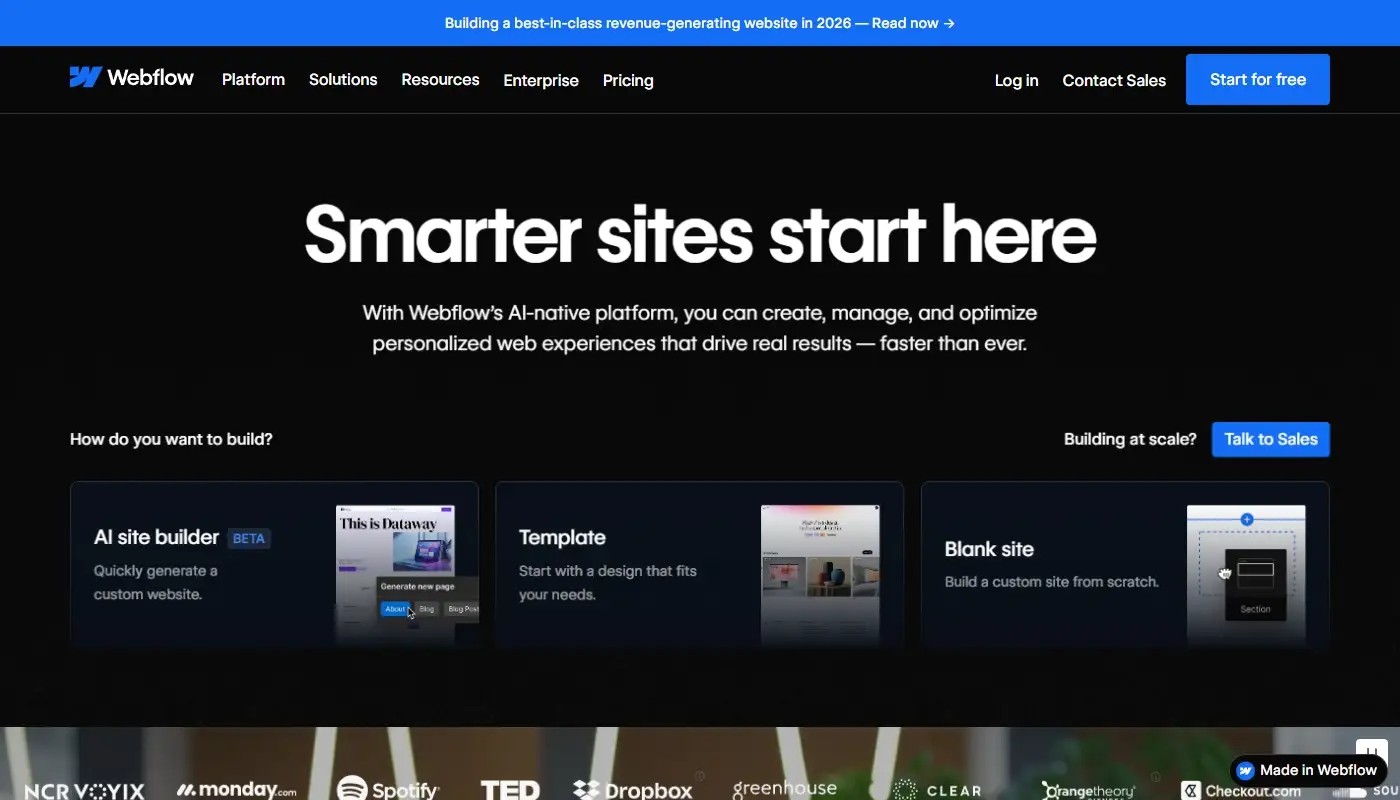
For some brands, the biggest pain point with Shopify isn’t the admin or the fees-it’s the front end. If you have a design-savvy team and you’re tired of wrestling with theme constraints, Webflow is an interesting alternative.
Webflow gives you almost front-end-developer-level control over layout, styles, and interactions through a visual interface that maps closely to HTML and CSS concepts. You design and build your site using a canvas that exposes structure, classes, and breakpoints, then publish to Webflow’s hosting infrastructure. The CMS allows you to define and manage structured content collections, making it suitable for complex content-driven sites.
On the commerce side, Webflow includes native eCommerce capabilities, though they are not as mature as those of platforms that have been commerce-first from the beginning. It’s strongest when the store is part of a highly custom marketing or content site, rather than when you need advanced order management, multi-channel retail, or large-scale inventory features.
Webflow makes sense as a Shopify replacement if your core differentiator is design and user experience, your team is comfortable thinking in terms of layout and CSS, and your commerce needs are important but not extremely complex.
Quick Comparison: Shopify Alternatives at a Glance
Here’s a high-level snapshot of the main Shopify replacement options covered above:
| Platform | Best For | Main Advantage vs Shopify | Key Trade-Off |
| Wix | Brands that want a visual site + integrated store | Strong page design tools, easier all-round website | Store tools less deep than a commerce-first platform |
| WooCommerce | Content-heavy, SEO-driven stores needing flexibility | Open source, highly customizable, full CMS power | Requires hosting, updates, and more technical oversight |
| Squarespace | Design-led brands with simple–mid stores | Polished templates, cohesive brand presentation | Less extensive eCommerce and app ecosystem |
| BigCommerce | Growing retailers needing advanced commerce features | Strong native eCommerce, different pricing model | Still store-first; less flexible for non-store content |
| Webflow | Design-savvy teams, complex marketing sites | Near full visual control over front end | Commerce tools not as deep as dedicated eCommerce |
None of these is a “drop-in clone” of Shopify. Each one is an opinionated answer to a slightly different question about what your website and store should be doing for your business.
How to Choose the Right Shopify Replacement
The right question isn’t “Which platform is objectively best?” but “What role does my website play in my business-and which platform aligns with that role?”
If you want a hosted builder that treats design, content, and store as a unified whole, look carefully at tools like Wix or Squarespace. If you want maximum flexibility and content power, and you’re ready to handle hosting and updates, WooCommerce on WordPress is hard to beat. If your needs are still strongly commerce-centric but Shopify’s specifics don’t fit, a platform like BigCommerce might give you the right mix of features and pricing. And if your brand lives or dies on custom front-end experience, Webflow can give you a level of visual control that template-driven systems rarely match.
Whatever you choose, treat the migration itself as an opportunity to clean up, clarify, and upgrade your site: refine your structure, tighten your product data, streamline your content, and align your new platform with where your business is actually heading, not where it was when you first opened your Shopify account.